

Vehicle Inventory Management Software: The Complete Guide for Dealerships
2026-03-23
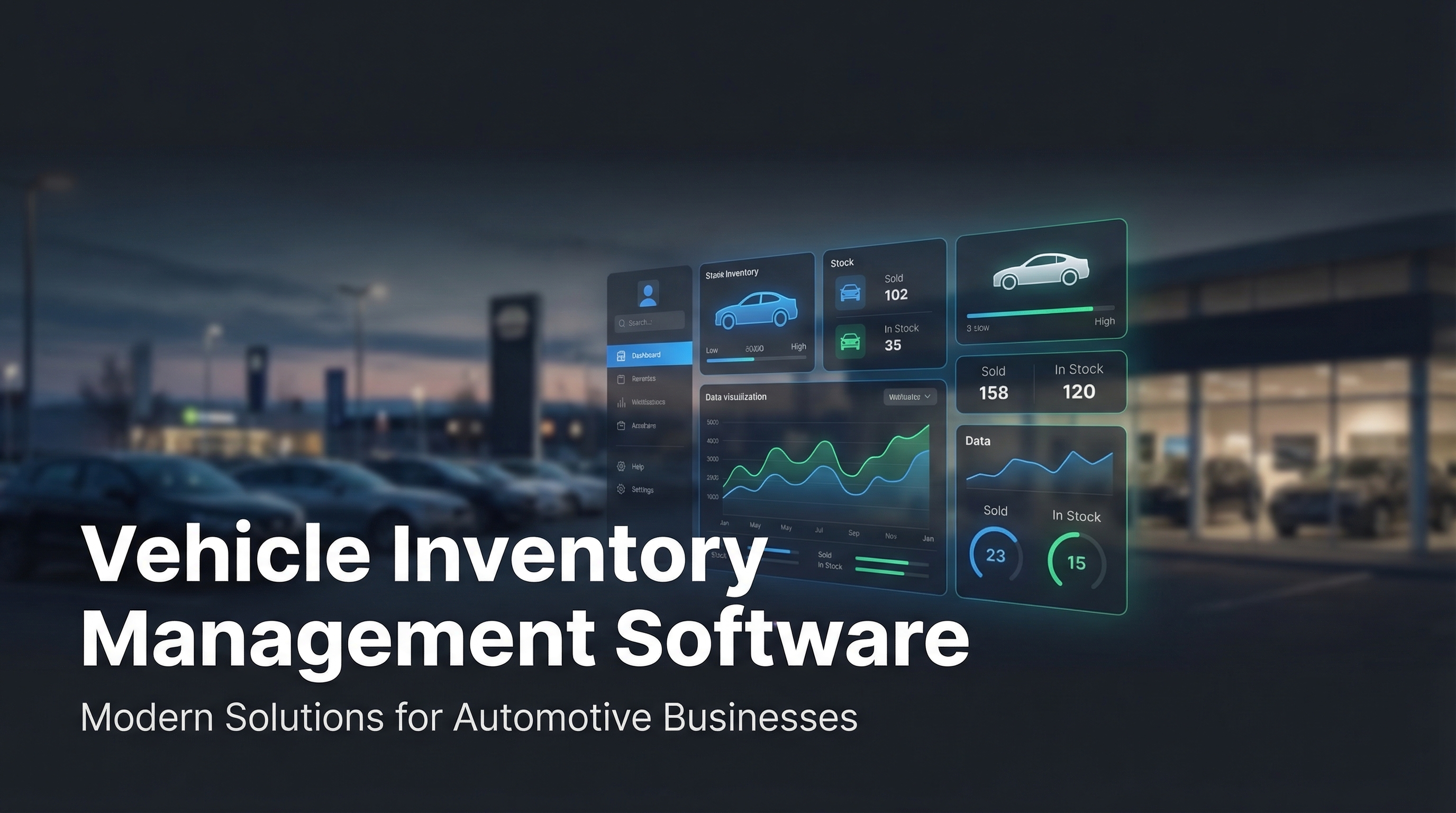
A customer calls about a pickup you sold three days ago. Your salesperson checks the spreadsheet—it hasn't been updated. Another lead lost. For small and mid-sized dealerships still managing stock in Excel, this is a weekly occurrence. The right vehicle inventory management software eliminates that friction entirely, replacing scattered processes with a single system your team and your website both rely on.
This guide covers what the software actually does, which features matter, and how to evaluate your options.
What Vehicle Inventory Management Software Actually Does
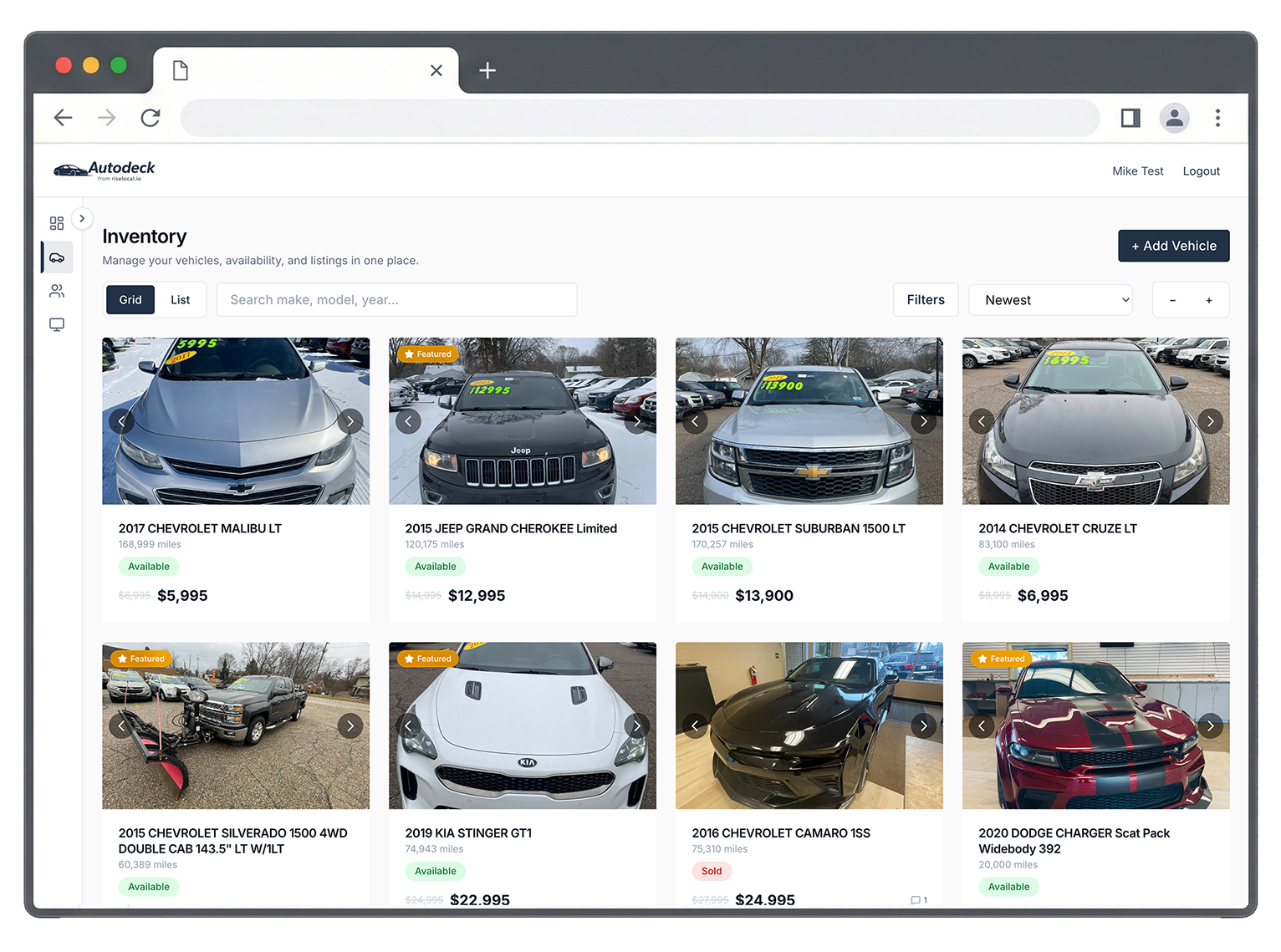
At its core, inventory software for dealerships replaces disconnected processes—spreadsheets, text threads, sticky notes, folders full of vehicle photos—with a centralized platform. Every vehicle on your lot has a record: year, make, model, trim, VIN, price, status, photos, and internal notes. When something changes, it changes in one place and propagates everywhere.
When a vehicle sells, the status updates instantly. When a customer visits your website, they see accurate, current listings. When a manager wants to know what's been sitting for 45 days, they don't run a formula—they look at a report.
The best tools go further: they surface stale inventory before it becomes a problem, log team activity for accountability, and publish listings directly to your website through an embeddable showroom widget. Update the backend, the website reflects it automatically. No manual exports, no CSV uploads, no lag between what's on the lot and what customers see online.
Key Features to Look For in Dealership Inventory Software
Not every dealership needs the same platform. But certain features consistently separate useful software from expensive overhead.
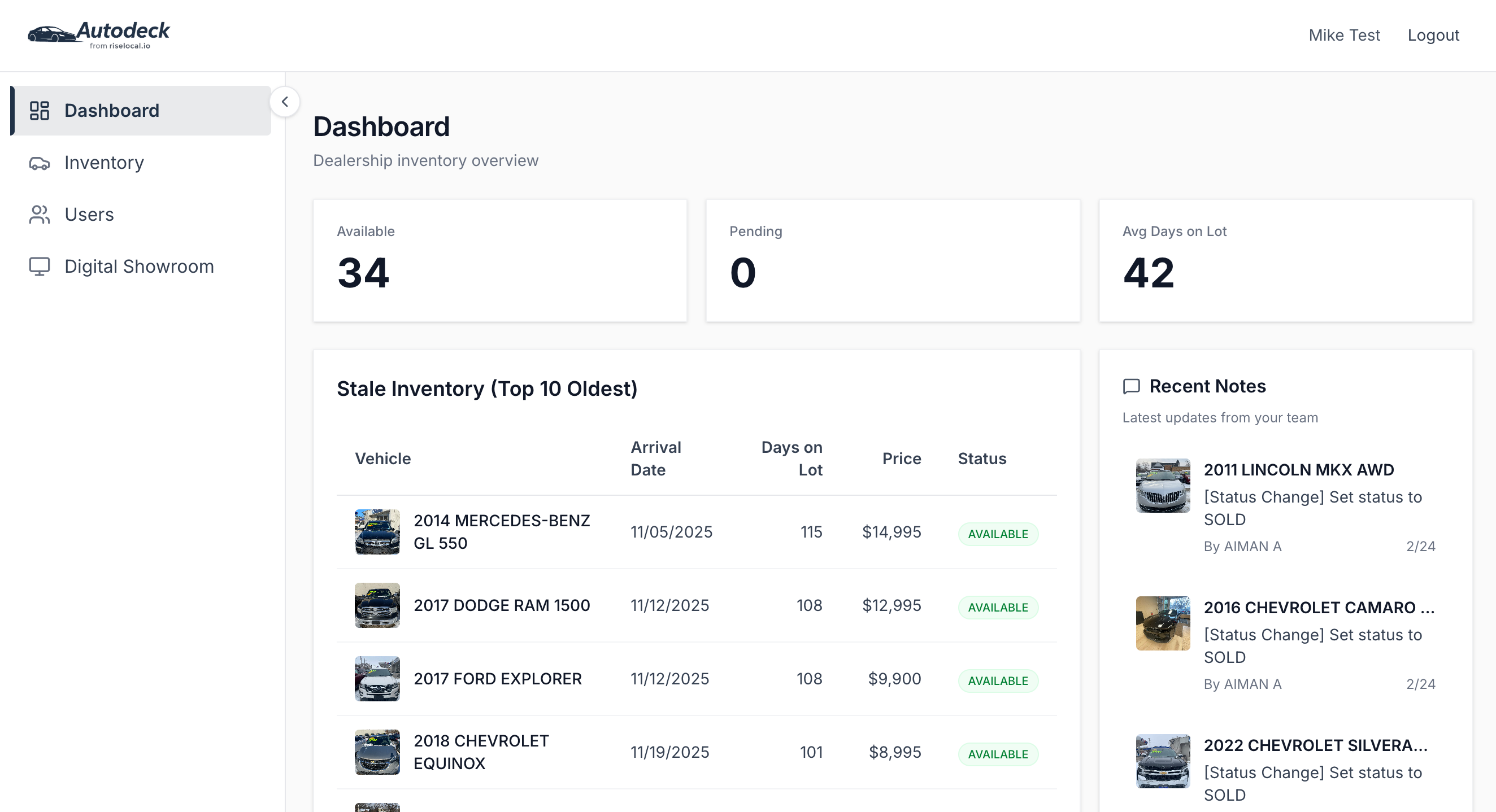
Centralized inventory dashboard One place to see every vehicle, its status, price, and days on lot. No digging through tabs or asking a colleague what's still available. The dashboard should give you a complete snapshot of your inventory at a glance.
Real-time status tracking Available, pending, sold—status updates should propagate instantly. If a customer sees a sold car listed as available on your website, that's a broken experience and a wasted inbound call.
Embeddable digital showroom Your website should reflect your actual inventory. Look for a platform that provides an embeddable widget connecting directly to your inventory data. Flip a status to sold or update a price—the site reflects it immediately, with no manual step required.
Team notes and collaboration Sales teams move fast and share information constantly. A shared notes panel tied to each vehicle keeps everyone aligned without Slack threads, sticky notes, or verbal handoffs that don't get passed on.
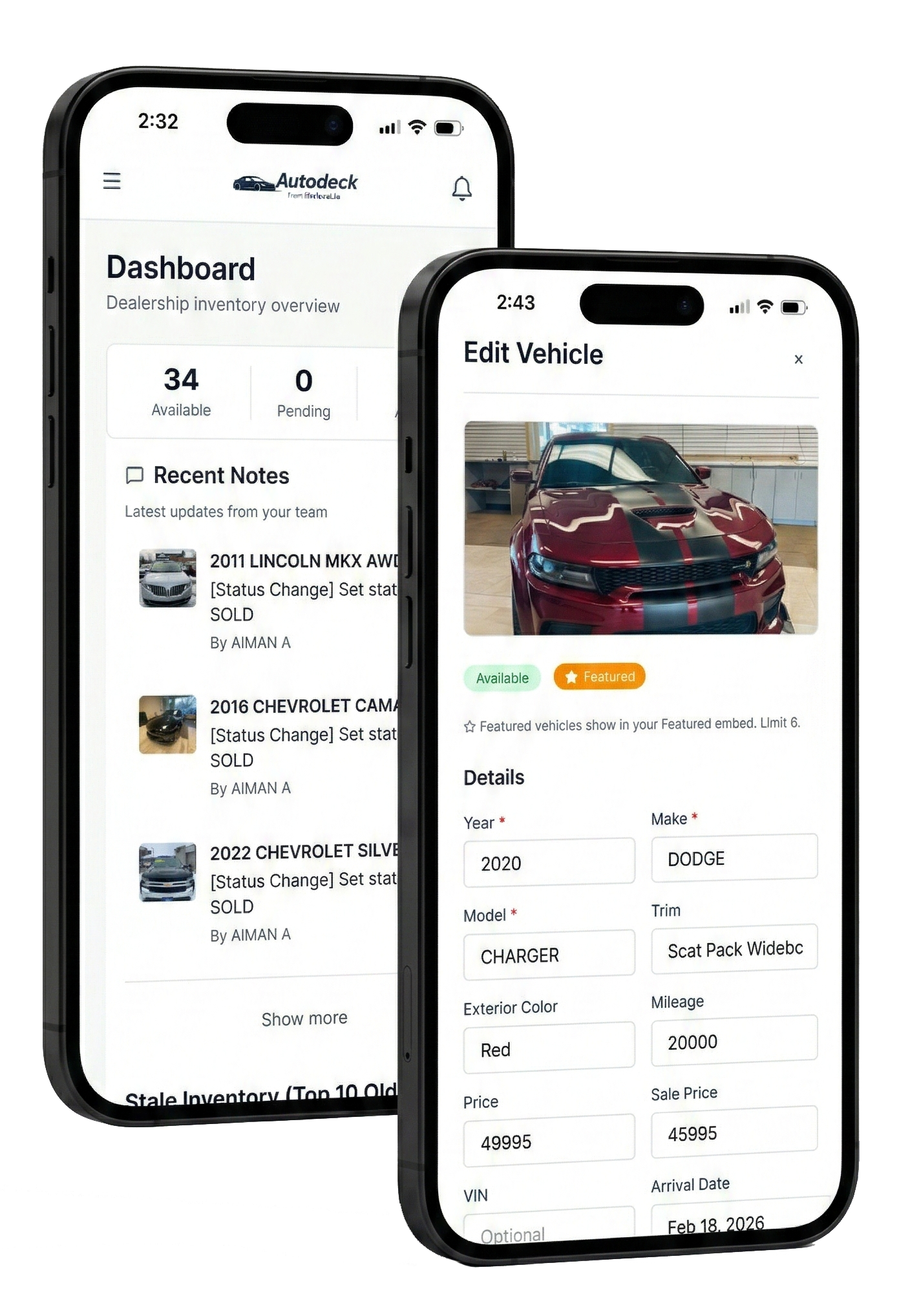
Mobile access Lot walkthroughs happen on foot. Staff should be able to pull up a vehicle record, update a detail, or check a status from their phone—not from a desk.
Platform integrations Your CRM, website builder, and marketing tools should connect cleanly. Native integrations with tools already in your stack—HighLevel, WordPress, Webflow, Squarespace—save setup time and eliminate the brittle automations that break at the worst moments.
Why Spreadsheets and Generic CRMs Fall Short
Spreadsheets are free and familiar. That's about where the advantages end.
They don't update automatically. They don't connect to your website. There's no audit trail when a field gets changed and no way to know who moved a price or flipped a status. When two people edit the same file at the same time, someone's work gets overwritten. And scaling from 30 vehicles to 80 makes the whole thing slower and harder to trust every week.
Generic CRM platforms handle some of this better—but they're built for lead management, not inventory. You can bolt on a vehicle list, but it won't behave like purpose-built software. Stale inventory alerts, embeddable showrooms, and real-time status syncing typically require custom workarounds that take time to build and more time to maintain when they break.
Purpose-built dealership software is designed around how inventory actually moves. The reports you need exist by default. The website connection is native. The features that would take weeks to configure in a generic tool are ready on day one.
How to Compare Your Options: A Practical Checklist
When evaluating platforms, run through these questions before committing:
- Does it update your website automatically? Manual export-and-upload workflows create lag and introduce errors. Look for a native embed or a direct API connection—not a workaround.
- Can your whole team use it without heavy training? If the interface is complex, adoption will be partial, which means your inventory data won't be complete or current.
- Does it surface actionable data, not just raw data? Days on lot, stale inventory flags, and activity logs matter more than a searchable table with no context.
- How does pricing scale? Per-dealership pricing is standard. If you manage multiple locations or clients, confirm whether agency or multi-location plans are available and what they actually cost.
- What integrations are included out of the box? Native support for your existing website builder and CRM saves setup time. Zapier-based connections add a layer of fragility you don't want.
- Is there a live demo or walkthrough available? You should be able to see the product working on real data before committing to a subscription.
If a platform checks those boxes without significant tradeoffs, it's worth running a trial.
What Agencies Need That Single Dealerships Don't
Agencies managing inventory for multiple dealership clients have a distinct set of requirements that single-location operators don't.
You need separate inventories for separate clients, managed from one login, with no data crossing over between accounts. You need pricing that makes sense at scale—paying standard single-dealership rates across 10 or 15 clients adds up fast. And you need embeddable showrooms that drop cleanly into your clients' existing websites, whatever builder those sites run on.
An agency-ready platform should provide:
- Multi-dealership management from a single dashboard
- Per-client inventory separation with no cross-contamination
- Embeddable showroom widgets compatible with WordPress, Webflow, Squarespace, and HighLevel
- Agency pricing that doesn't penalize growth
AutoDeck was built with this use case in mind. One dashboard, multiple clients, and embeddable showrooms that work with the platforms agencies and their clients already use.
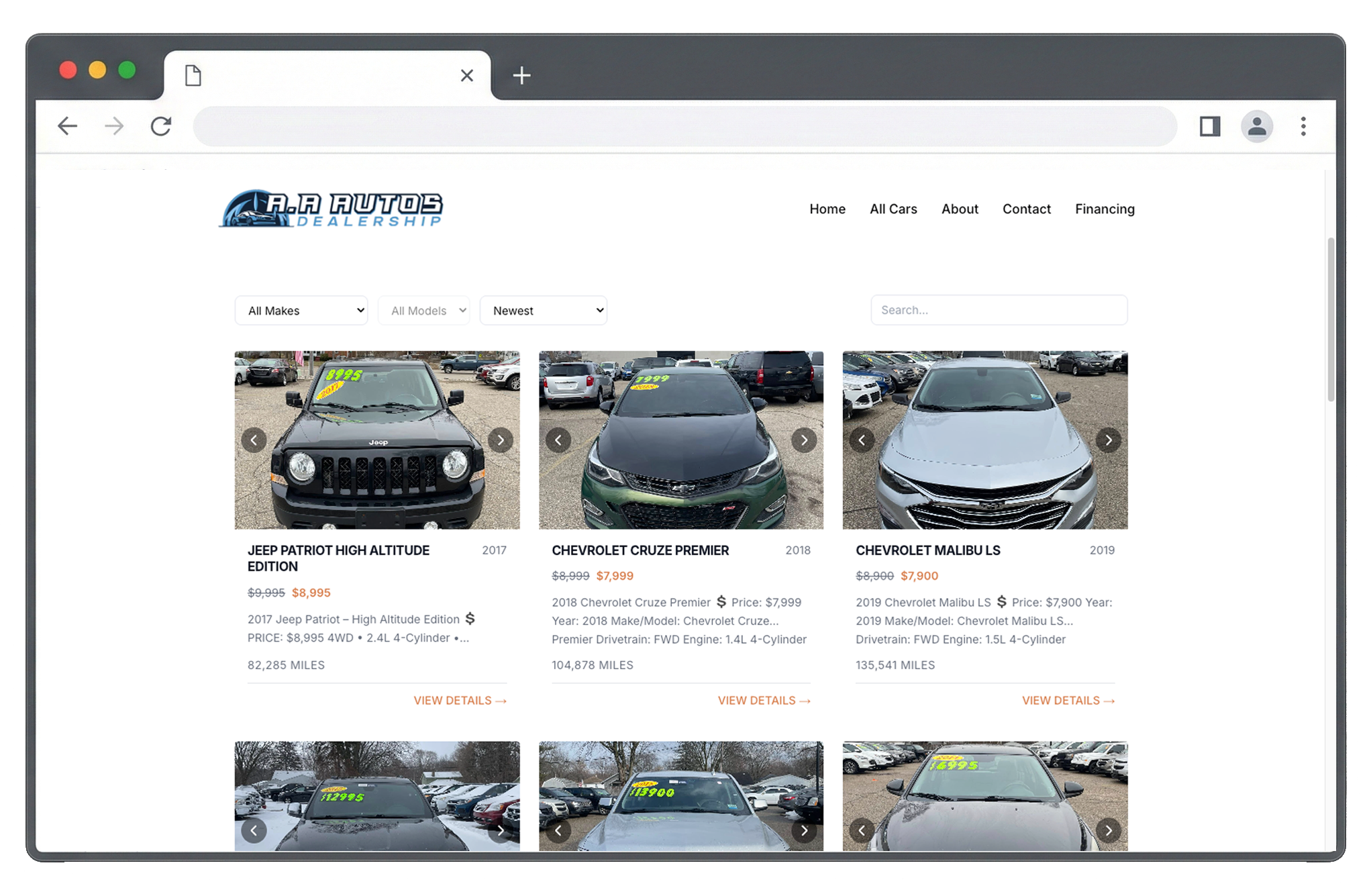
Want to see how the full product works in practice? Here's a complete walkthrough:
Frequently Asked Questions
What is vehicle inventory management software used for?
It's a platform that helps dealerships track, update, and publish their vehicle stock from a centralized dashboard. It replaces spreadsheets and disconnected tools with a single system that keeps your team aligned and your website listings accurate in real time.
How is dealership inventory software different from a CRM?
A CRM manages customer relationships and lead pipelines. Inventory software manages the vehicles themselves—status, pricing, photos, days on lot, and website display. Most dealerships benefit from using both. Look for inventory software that integrates with your CRM so data flows between the two without manual effort.
How much does dealership inventory software typically cost?
Pricing varies by platform and feature set. Most tools charge on a per-dealership or per-location basis. AutoDeck is $99/month per dealership, with agency plans for operators managing multiple clients. There are no per-listing fees or seat-based charges.
See AutoDeck in Action
AutoDeck is inventory management software built for small and mid-sized dealerships and the agencies that serve them. Clean dashboard, embeddable digital showroom, native integrations with HighLevel, WordPress, Webflow, and Squarespace—at $99/month per dealership.